

Tutorials

Here you can find detailed installation guides for multiple devices and applications.

Blue promotional banner reading 'Install & Set up SO Player App on Firestick' with the SO Player logo, the URL www.rentiptv.com, a note to 'Read details carefully,' and social handles @RentIptv.

Install SO Player for FireStick

In this post, I will show you how to install, set up, and use SO Player on FireStick and Android TV boxes. The steps can be used for all Amazon Fire TV devices, including FireStick Lite, FireStick 4K, and Fire TV Cube. After a brief introduction to SO Player, I will showcase how to install the app. What Is SO Player? Many...
Read more...
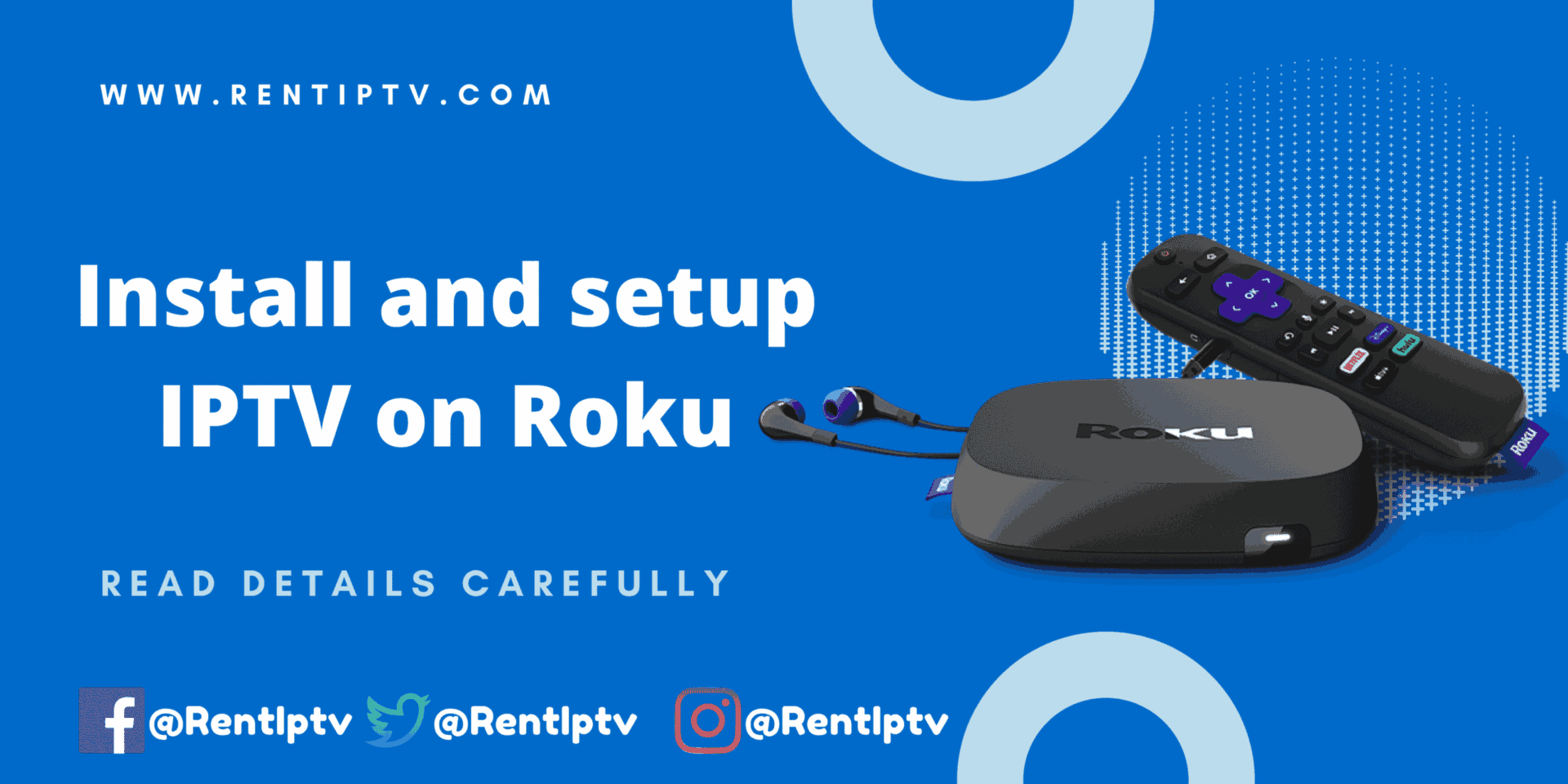
Blue banner from RentIPTV (www.rentiptv.com) reading “Install and setup IPTV on Roku,” featuring a Roku streaming box, remote, and earbuds, with a note “Read details carefully” and @RentIPTV social icons.

Setup IPTV on Roku

This tutorial provides step-by-step instructions to install IPTV on Roku. Using a Roku device, we must “sideload” IPTV on the Roku device. The instructions below will require the use of a computer in order to download the IPTV app file and add it to your Roku streaming device. If you are using another IPTV player such as TiviMate, you can also watch...

Read more...